
Verify Any Video, Image, Audio Clip, or Document for AI Generation — With Verifiable Proof.
Not a "black-box AI lie detector." TruthLens combines Real-vs-Fake Neural & Temporal Video Forensics, C2PA Content Credentials, EXIF/XMP & Document Revision Metadata, AI Prompt & ComfyUI Workflow Recovery, 1-Click OSINT Reverse Search, and Writing Style Coaching—and returns Inconclusive when evidence is stripped.
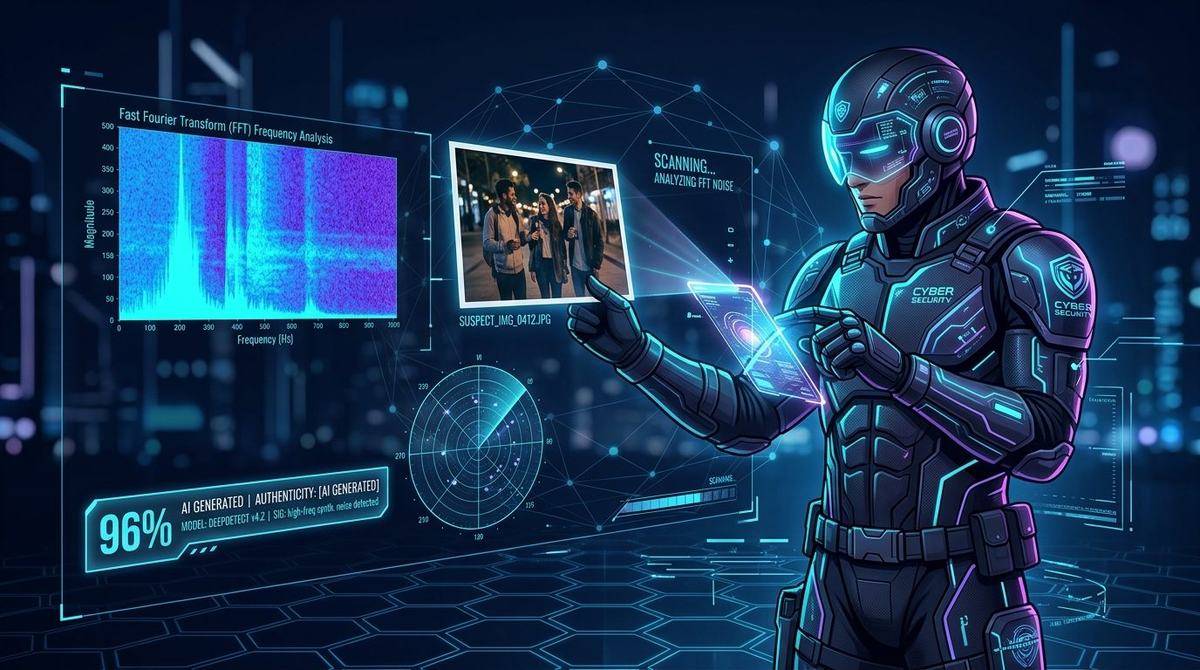
Drag & Drop Image Here
Or click to browse local files • Press Ctrl+V to paste from Clipboard
Supports .jpg, .jpeg, .png, .webp up to 50MB
How the Provenance & Authenticity Workbench Works
Upload, Paste, or Import URL
Drag & drop an image, video, audio clip, DOCX/PDF document, paste with Ctrl+V, or enter a web link.
Glass-Box Provenance & Signal Triage
Inspects C2PA manifests, EXIF/XMP & document revision tags, AI workflow chunks, multi-model classifiers, and spatial/spectral signals.
Verify Source or Refine Drafts
Review every piece of evidence, launch 1-click OSINT reverse-image searches on stripped files, or refine writing cadence with the Style Coach.
Need a Dedicated Tool? Open a Specialized Forensics Page
Each standalone workbench is tailored to a single media format with deep technical guides, reference benchmarks, and instant sample files.

🖼️ AI Image Detector
3-model neural ensemble, 2D FFT spectral grid detection, Error Level Analysis (ELA) & 3×3 regional splicing heatmaps.
Open Image Detector →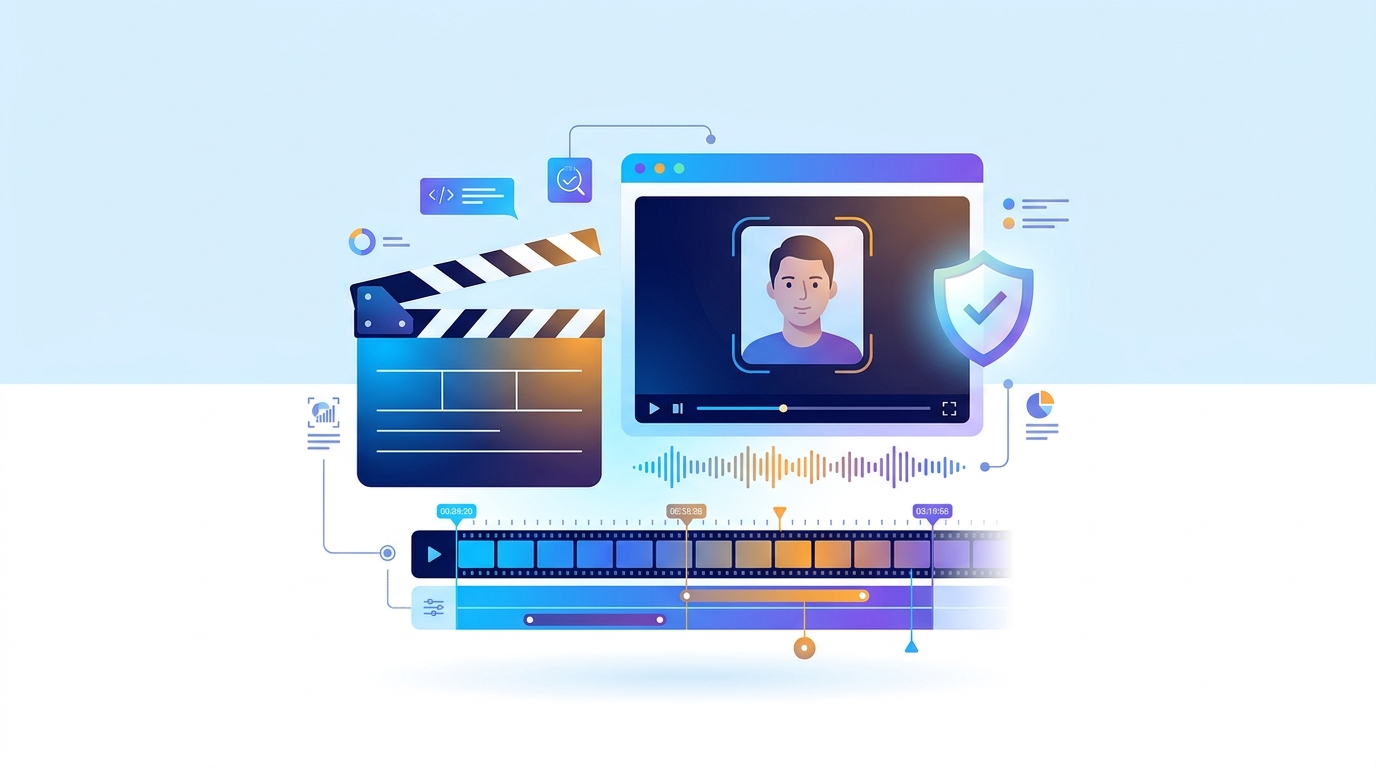
🎬 AI Video & Deepfake Detector
Real-vs-Fake keyframe AI scoring, temporal sharpness flicker, subject-vs-background noise isolation & voice clone detection.
Open Video Detector →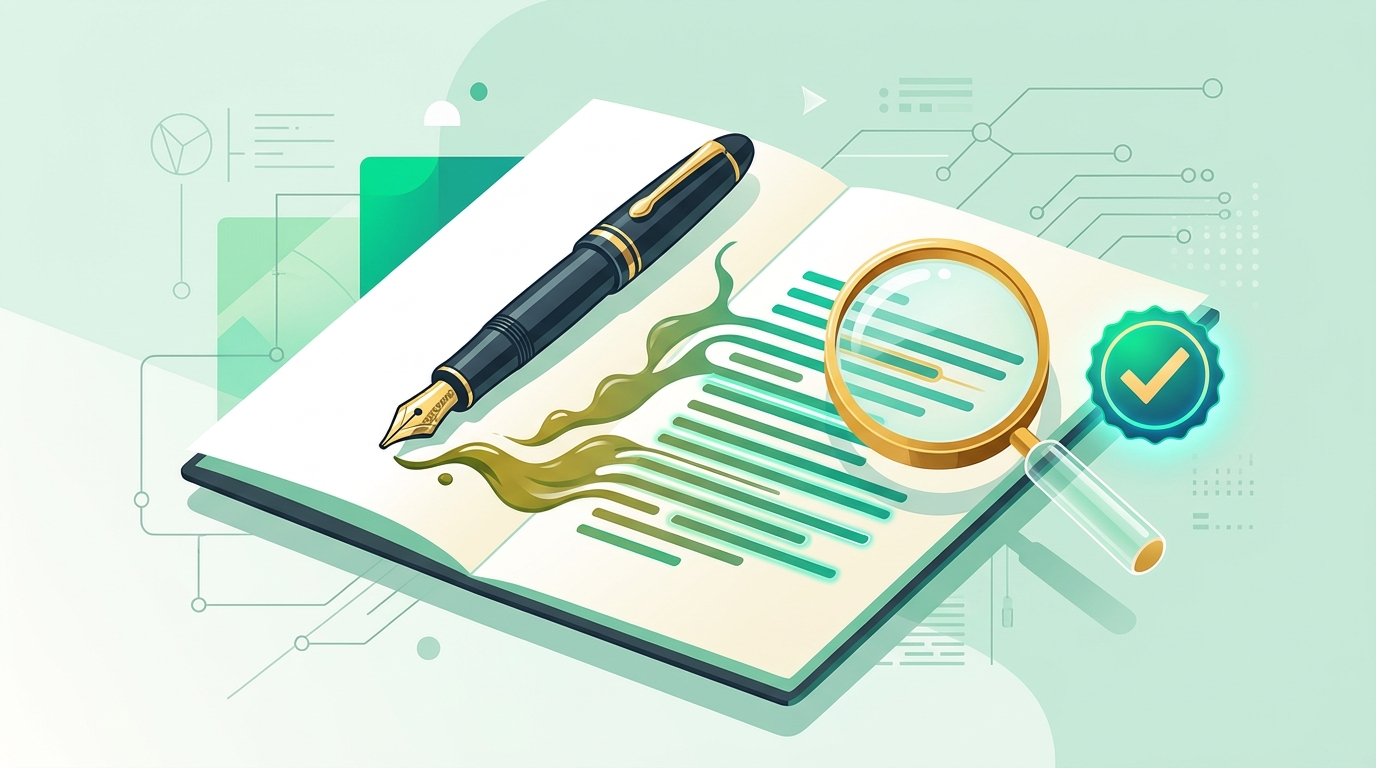
✍️ AI Writing Style Checker
Burstiness, character Shannon entropy, type-token ratio, DOCX/PDF editing telemetry & interactive Sentence Style Coach.
Open Writing Checker →
🧬 AI Prompt & Workflow Extractor
Recover hidden positive/negative prompts, ComfyUI node-graph JSON workflows, A1111 parameters, seeds & checkpoint hashes.
Open Prompt Extractor →Why TruthLens is Different: Verifiable Evidence, Not Black-Box Scores
Built on Reveal → Recover → Refine: inspect cryptographic & container provenance, recover embedded AI workflows, triage multi-model signals, and coach clearer writing.
C2PA, EXIF/XMP & Watermark Scan
Validates signed C2PA Content Credentials, reads camera EXIF & IPTC digital-source tags, and scans for public invisible watermark carriers (DWT-DCT / Stable Diffusion).
AI Prompt & Workflow Recovery
Recovers embedded prompts, checkpoints, LoRA weights, and seeds from PNG chunks and JPEG/WebP EXIF across ComfyUI, AUTOMATIC1111, SwarmUI, Fooocus, and InvokeAI.
ELA, 2D FFT & 3×3 Regional Noise
Combines Error Level Analysis, 2D Fourier power spectrum inspection, and a 3×3 regional Laplacian noise consistency grid to highlight localized editing or periodic upscaler grids.
OSINT Reverse-Search Launchpad
Computes SHA-256 & 64-bit perceptual dHash fingerprints and provides 1-click reverse search across Google Lens, TinEye, Bing, and Yandex for images and video keyframes.
DOCX/PDF Provenance & Style Coach
Inspects OpenXML revision counts, logged editing time, and PDF incremental saves alongside multi-window neural text classification, token perplexity, and sentence-level coaching.
Audio & Video Signal Triage
Extracts OpenCV video keyframes with per-frame perceptual dHash, Inferno STFT spectrograms, F0 pitch tracking, and 4-second sliding-window audio synthetic voice scoring.
Built for Fact-Checkers, Editors, Creators & Everyday Verification
Whether you're checking a viral image before sharing it, auditing C2PA & prompt metadata, or polishing a draft, TruthLens shows every signal and states its limits clearly.
Everyday Users & Social Sharing
Social Media & Source TriageCheck viral photos, forwarded audio notes, and video clips before sharing. When social platforms strip metadata, use the built-in OSINT Reverse-Search Launchpad to find the earliest public source.
Journalism & Fact-Checking
Newsrooms & OSINTRun a fast glass-box triage on user-submitted media: verify C2PA signatures, camera EXIF, 3×3 regional noise consistency, and keyframe perceptual hashes before publication.
Compliance & Provenance Audit
Supporting DocumentationDocument what an image, audio recording, or DOCX/PDF container actually contains—including SHA-256 hashes, C2PA claims, and revision counts—and export a client-side PDF report.
AI Artists, Creators & Editors
Workflow Inspection & CopyeditingInspect saved ComfyUI node graphs, LoRA weights, and prompts in your generated assets, verify C2PA credentials, and use the Writing Style Coach to tighten repetitive copy.
Students, Researchers & Educators
Transparent Style & Document ReviewSee exact stock phrases, sentence cadence metrics, and DOCX revision history instead of an opaque percentage. Automated text metrics measure style, so results should guide feedback—never sole disciplinary action.
Trust, Safety & Intake Teams
Stateless TriageScreen submitted files for stripped metadata, single-save PDF exports, or synthetic voice segments. All uploads are inspected in volatile memory and never retained.
Everything You Need to Know About TruthLens
🔍 Why do C2PA, EXIF, and OSINT Reverse Search matter together?
▼
Cryptographic & container provenance: C2PA Content Credentials are cryptographically signed manifests added by tools like Adobe Firefly, OpenAI, and Leica/Sony cameras. When valid, they provide cryptographic proof of origin or edit history.
What happens on social media: Platforms like WhatsApp, X, and Instagram routinely strip both C2PA and camera EXIF headers. When metadata is stripped, TruthLens reports the metadata absence honestly and gives you a 1-Click OSINT Reverse Image & Keyframe Launchpad (Google Lens, TinEye, Bing, Yandex) plus SHA-256 and perceptual dHash fingerprints to trace the earliest online appearance.
📊 How does TruthLens evaluate whether an image or audio file is AI-generated?
▼
TruthLens layers multiple independent checks rather than relying on a single black-box number:
1. Verifiable Provenance: C2PA signatures, XMP/IPTC digital-source tags, embedded AI generation parameters, and invisible watermark carriers.
2. Multi-Model Neural Triage: Ensemble vision classifiers for images and 4-second sliding-window Wav2Vec2 classifiers for audio.
3. Spatial & Spectral Signals: Error Level Analysis (ELA), 2D Fourier frequency spectra (FFT), 3×3 regional noise consistency grids, and STFT audio spectrograms.
When signals are weak or contradictory, TruthLens returns Inconclusive rather than guessing.
🪄 Can TruthLens recover the prompt and workflow used to make an AI image?
▼
When the generator saved workflow metadata in the file, yes. TruthLens extracts prompts, negative prompts, checkpoints, LoRA modules, sampler settings, seeds, and img2img denoise strength from PNG text chunks and JPEG/WebP EXIF UserComment fields written by AUTOMATIC1111, ComfyUI, SwarmUI, Fooocus, InvokeAI, and NovelAI. We never hallucinate prompts from pixels—if the metadata was stripped, we tell you clearly.
📝 How does TruthLens inspect text, Word (.docx), and PDF documents?
▼
TruthLens combines writing-style & neural signal measurements with document container provenance:
• Style & Model Signals: Measures formulaic stock phrases, sentence length variation (burstiness), vocabulary variety (MATTR), DistilGPT-2 token perplexity, and sliding-window neural text classification.
• Document Provenance: For uploaded .docx and .pdf files, TruthLens reads OpenXML revision counts, logged editing minutes, authoring software, and PDF incremental save markers (%%EOF).
These signals describe writing style and file save history—not definitive proof of who wrote the text.
✍️ What does the Writing Style Coach do?
▼
It highlights stock phrases and overly long, uniform sentences and offers plainer, more direct rewrites. Applying a rewrite edits your draft in the workbench; click Re-scan to recompute the style and perplexity measurements.
The coach is designed to help writers produce clearer, more specific prose—not as an adversarial "stealth bypasser."
🛡️ Do you store my files, or use them to train AI models?
▼
Not stored: Uploads and pasted text are processed in volatile memory to produce your analysis response and are not persisted to disk or a database. PDF reports are generated locally in your browser.
No training: We never use your content to train or fine-tune AI models. See our Privacy Policy for full details.
Practical Guides to Visual Provenance & Writing Style
Explore our plain-English guides on EXIF camera data & why AI images fail the camera test, verifying viral photos, and why AI writing defaults to predictable rhythms.